
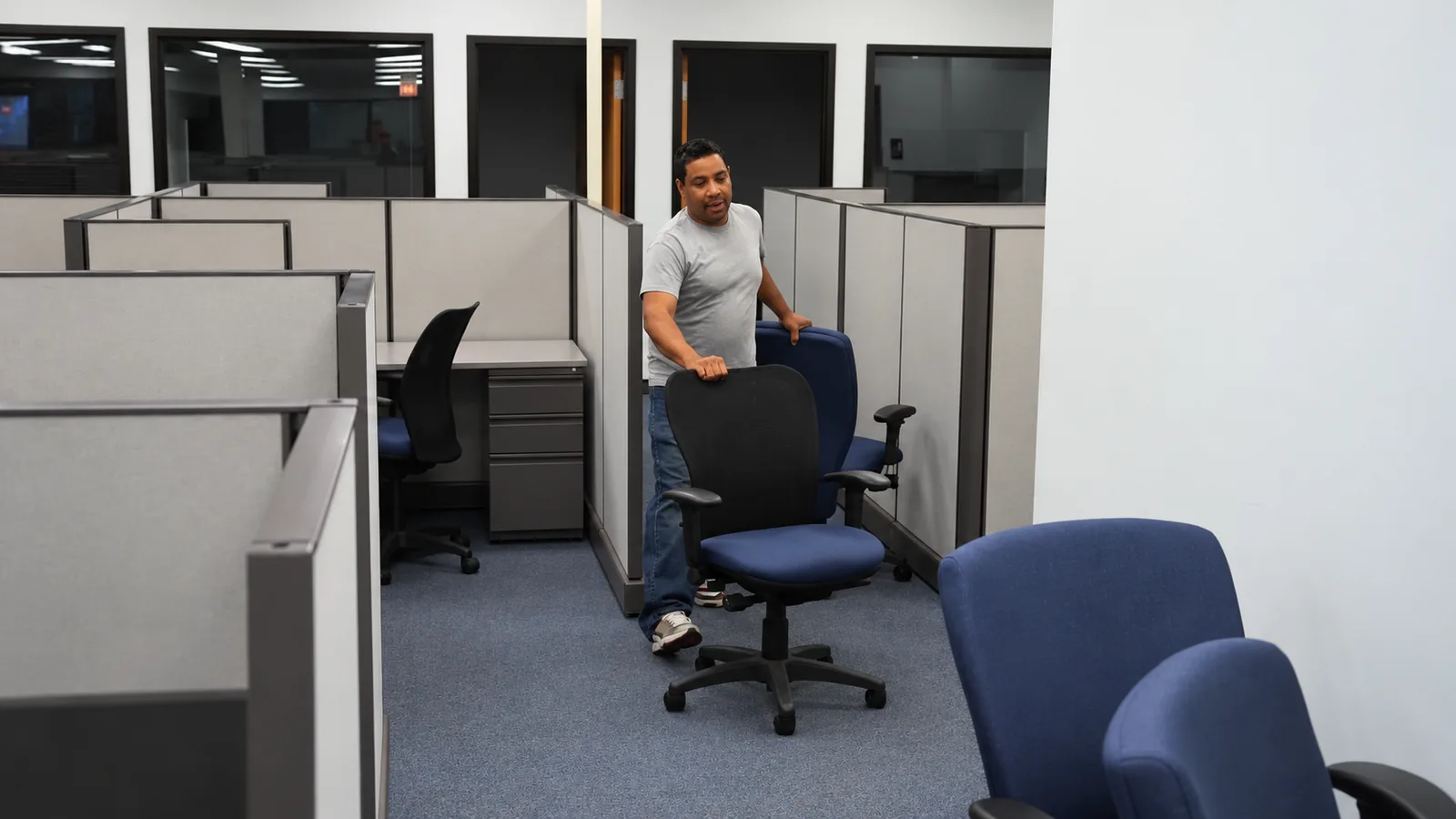
Office Movers in San Diego
Ask about office moving
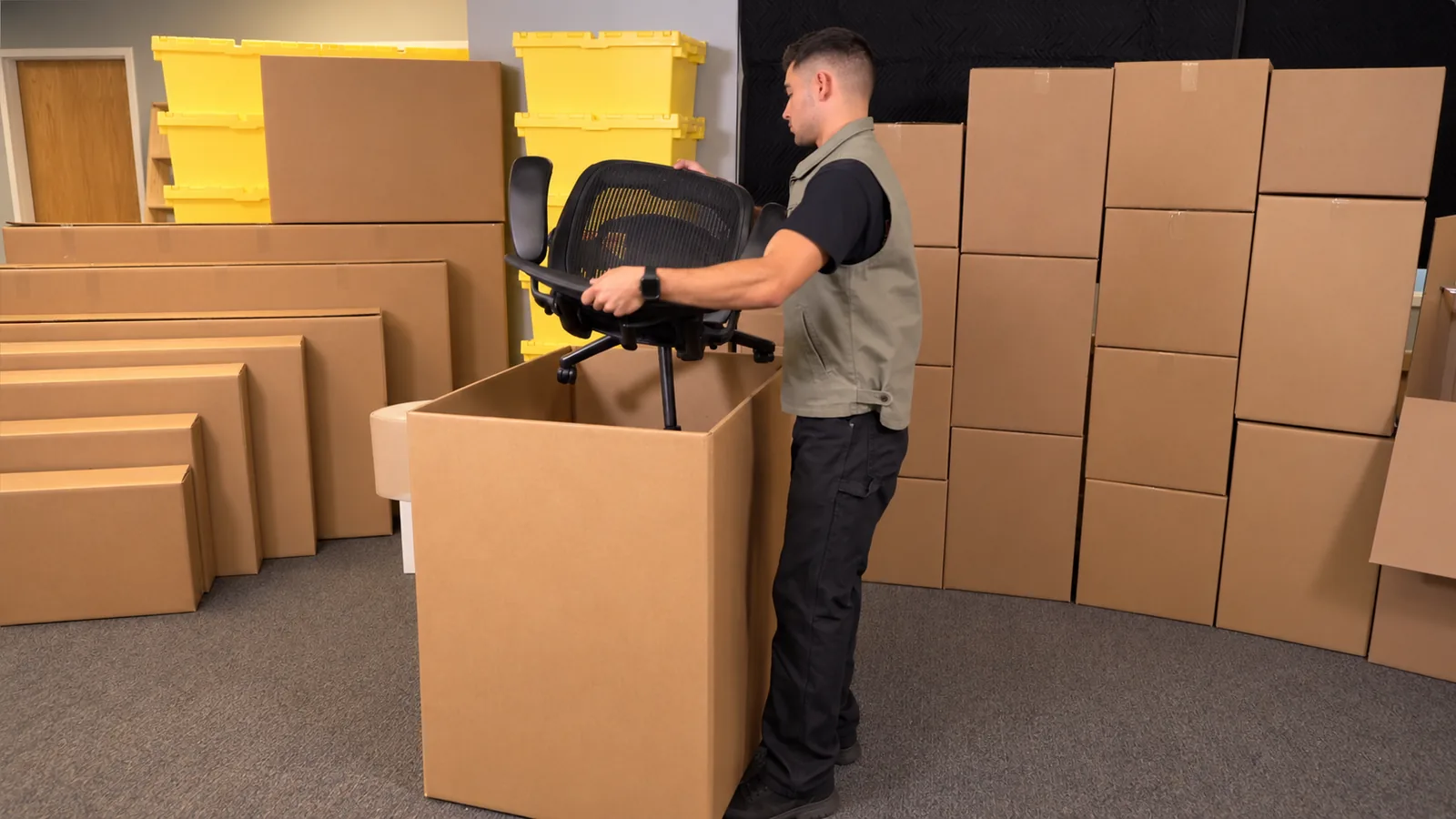
Office moving that follows the workstations
Office moves come in a few familiar shapes, and each changes the setup order:
- A department relocating to another floor in the same building — freight elevator time decides the sequence
- A team moving into a new suite with a different floor plan — furniture placement matters more than carrying distance
- Two offices consolidating into one space — shared furniture needs a clear stay-or-go list before anything is lifted
Start with the destination map: which departments sit where, which desks are first priority, and which areas must stay usable during the move. The crew follows that map, so labeled boxes and furniture land close to their final spot.
Desks, chairs, files, and boxed equipment
The move is built around the office inventory you list, grouped by destination so setup follows the same order as the move:
- Desks and chairs grouped by workstation
- Packed files and boxed equipment labeled by department
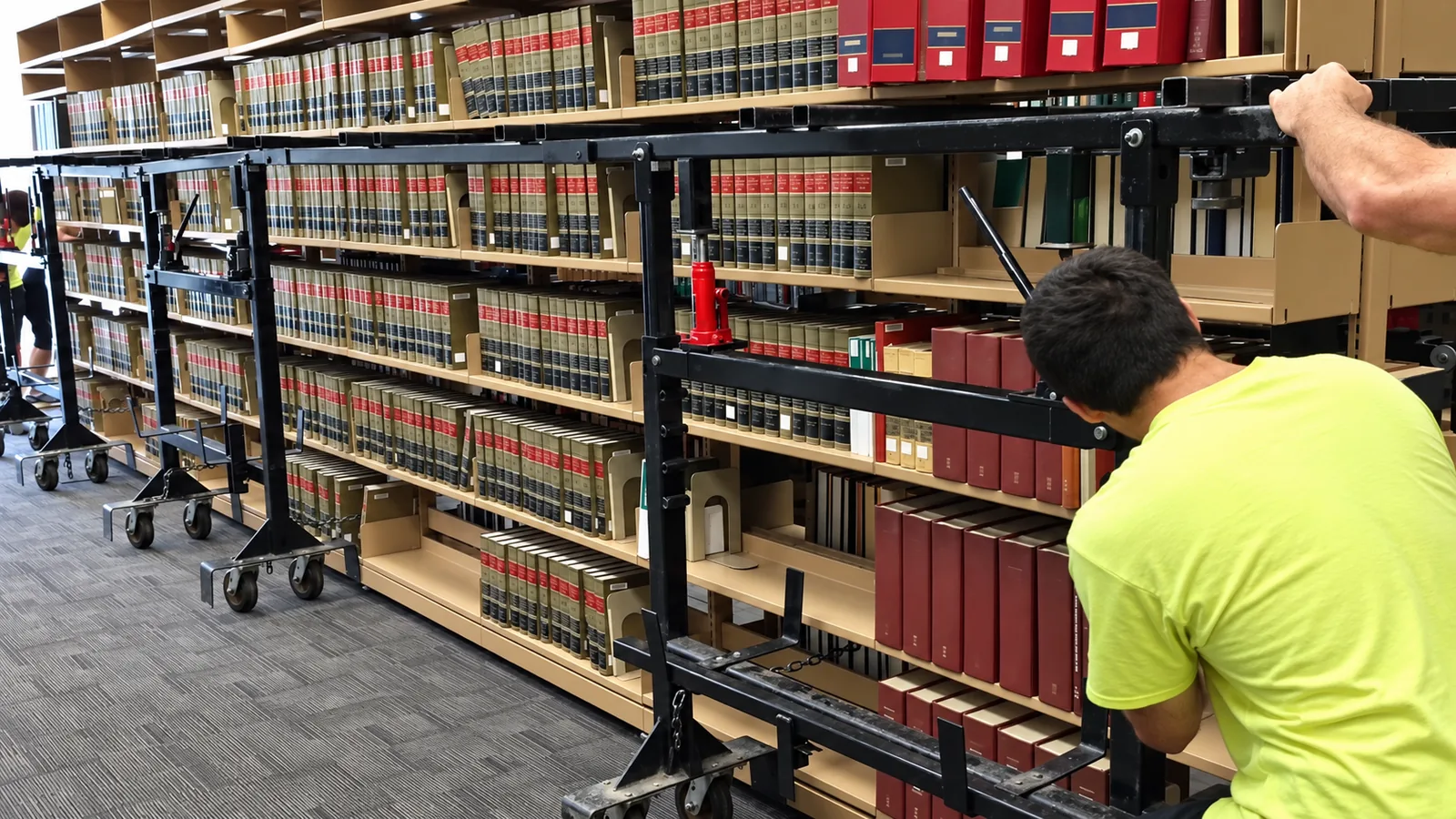
- Shared items — conference tables, shelving, reception furniture — listed separately
- Stay-in-place items marked so they are not picked up by mistake
- Heavy, fragile, or oversized pieces flagged for an access review
On move day the crew brings moving dollies, furniture pads and blankets, plus standard protection for doors and floors. Packing materials are included in the cost of the work, and packing help can be added to the same request.
Labels and setup order
Labeling is the bridge between the old floor plan and the new one. A simple system works: put the destination department or room on every box and piece of furniture, then add a priority number for the areas that need to function first.
First-priority areas on move-in day usually include the reception point, a working area for the leadership team, and shared spaces like the copy room or kitchen. The crew places those items first, then works through the remaining workstations in the order you specify. Basic table disassembly and reassembly are included in the paid moving time; specialist work is confirmed case by case and never assumed.
Plan around the building route
Office moves depend on the building as much as the inventory. Before move day, confirm the loading route, service entrance, freight elevator or stairs, security check-in, parking, and any approved moving window. If the building requires elevator reservations or badge lists, the office coordinator collects those details and passes them along.
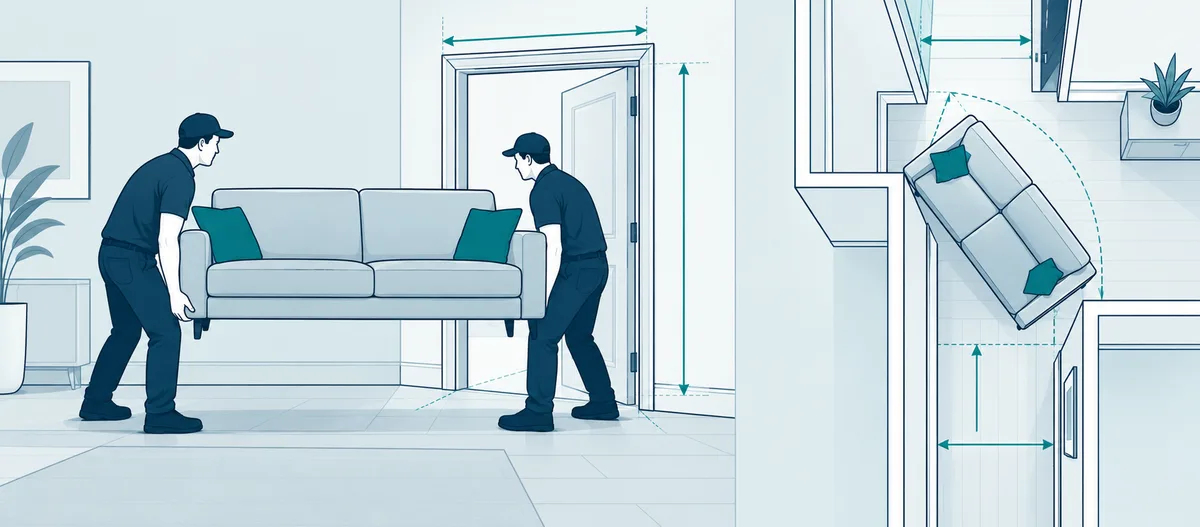
Clear the main path from the elevator or loading dock to the workstations — temporary obstacles, loose rugs, and door stops all slow a crew down. If doorways or hallways are tight, measure the largest pieces and send the numbers with the request.
Computers, phones, and specialist work
Moving crews carry furniture and boxes; they do not manage office technology. Disconnecting computers, phones, monitors, and shared equipment is separate from the physical move — the same goes for utility shutoffs, network cabling, and vendor-installed equipment. Plan that work for your IT contact or the building’s vendor before move day, and mark which devices are moving so nothing gets unplugged mid-transfer. If a workstation needs to be operational immediately, tell the crew where that desk goes first.
The written estimate comes from your details: both addresses, workstation counts, desks, chairs, file boxes, shared furniture, access rules, and disassembly needs. Name one office coordinator for the move — one person gathers the inventory, labels, destination map, and building rules into one request. The estimate should read as a responsibilities list: what the crew handles, what your office team handles, and how the building route gets managed.
Request an office moving estimate
Leave your first name, last name, email, and phone number. A coordinator calls you back to plan the move and check available dates.
Frequently asked questions
Can you move just part of our office?
Yes. The scope is whatever you list — one department, a set of workstations, or the whole floor. Partial moves are planned the same way: a destination map, a labeled inventory, and a setup order.
Do you disconnect computers, phones, and network equipment?
No. Computer, phone, and network disconnection is separate from the physical move and stays with your IT contact or vendor. The crew moves equipment after it is prepared and labeled.
How much lead time do we need for an office move?
Lead time helps because elevators, loading docks, and security passes need coordination. If the date is close, call (800) 481-4049 to check availability before sending the request — the form starts the conversation and does not hold a date by itself.
Moving guides from our blog
- Rental Truck and Container Loading ChecklistA rental truck loading day goes smoothly when three facts are settled first: who supplies the vehicle, who drives it, and who supports the loading. This checklist keeps??? Read more
- Last-Minute Moving in San Diego: Start With Availability, Not the QuoteOn a tight timeline, the order of questions decides whether the move happens. Availability comes first — no crew means no move, no matter the price. Then the??? Read more
- Furniture Moving Preparation: Measure First, Move OnceA sofa can fit the room and still get stuck on a stair landing. That is why furniture moving preparation starts with measurements, not with lifting. Walk the??? Read more


Moving help across San Diego County and nearby cities
Find the cities where we schedule crews.
See all locations